Manage Global Accounts withCloud Phones
Run Android apps on cloud phones with independent device environments, multi-account management and synchronized operations for social media, ecommerce and cloud gaming.
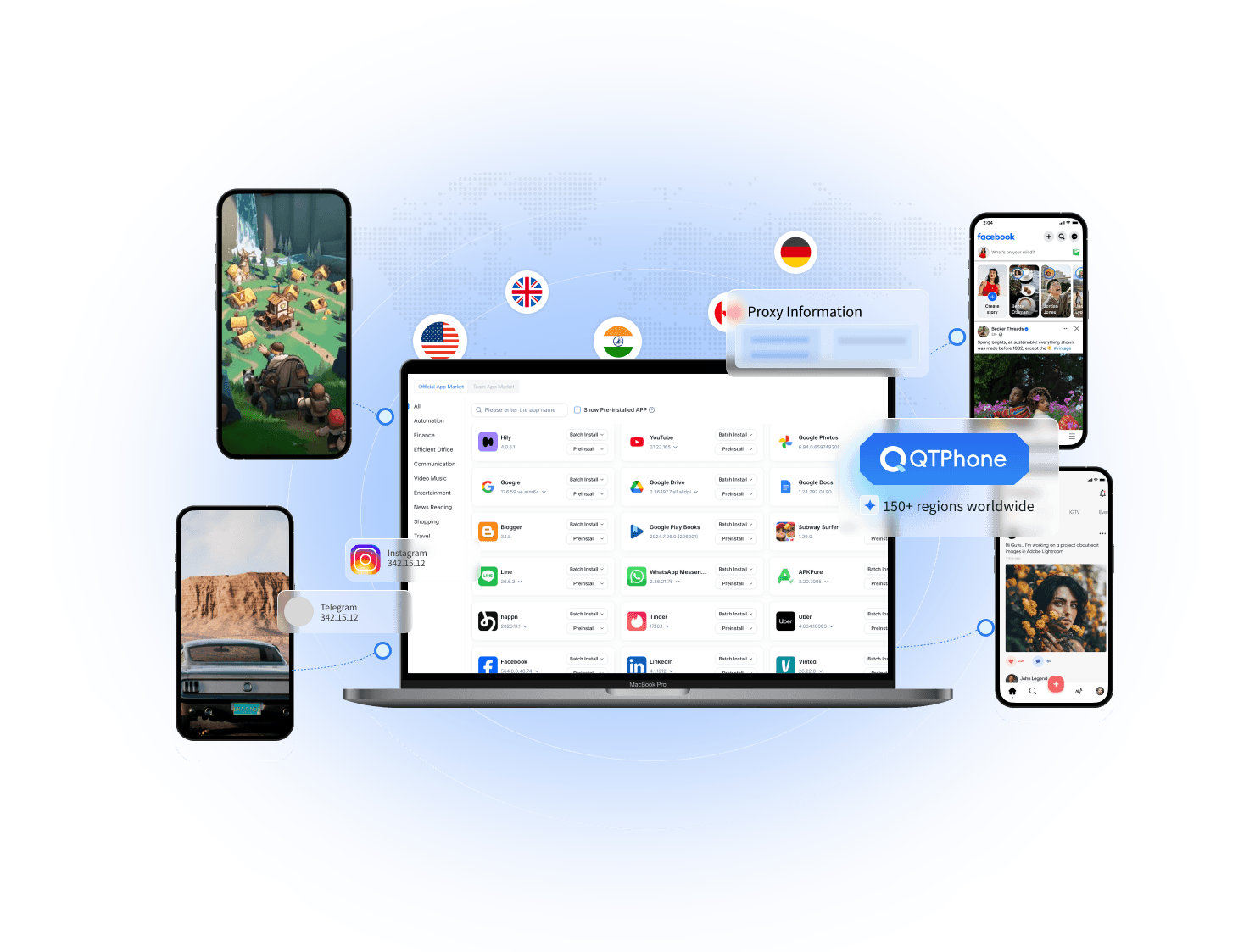
One console for every cloud phone
Keep account environments organized and bring everyday device operations into one place.
Multi-account management
Assign cloud phones to different accounts and manage their devices in one console instead of switching between physical phones.
Independent environments
Keep app data, device settings and network configurations separate for different accounts and workflows.
Synchronized operations
Synchronize device actions and install, launch or manage apps in bulk to handle repetitive work more efficiently.
App automation
Schedule tasks and scripted operations to reduce repetitive app testing and routine device work.
Cloud phones for the way you work
Find a cloud phone workflow for social media, ecommerce, game hosting or app testing.
Brand social media operations
Give TikTok, Instagram and other accounts their own cloud phones for content publishing, customer communication and daily operations.
Learn MoreMulti-store e-commerce operations
Assign device environments to separate stores for product updates, customer messages and cross-border mobile workflows.
Learn MoreCloud Gaming
Run games on cloud devices, access them remotely when needed and manage multiple game environments together.
Learn MoreApp Testing
Install and test apps in separate cloud phone environments, with independent test data and configurations for compatibility checks.
Learn MoreSupported Platforms
Choose a platform to explore cloud phones for multi-account management, content publishing and global store operations.
Get started with cloud phones in three steps
Set up one cloud phone, then expand around your accounts, apps and team.
Create a cloud phone
Sign in to the console and choose a device configuration and subscription period for your workflow.
Set up your environment
Configure the network you need, install your apps and sign in to the accounts you manage.
Manage everything together
Manage devices in one console with synchronized operations, bulk app management and team permissions.
FAQ
Common questions about QTPhone
Start with one cloud phone. Grow from there.
Try your everyday workflow, then choose a plan around your accounts, apps and team.